-
ORT will never ask you to update your username or password via email, phone, text message, WhatsApp, or social media. If you have shared your information in any of these situations, we recommend that you immediately notify your program’s administrative office (for students and graduates) or the Human Resources Office (for staff members).
For other questions related to ORT applications, please use the contact form.
Tips for staying safe
-

Do not reply to suspicious emails
Avoid opening attachments or forwarding emails that seem suspicious.
Never send financial or personal information via email (no reputable institution will ever ask for this information through email). -

Do not click on unknown links
To access websites, enter the address in the search bar or open it from your browser's bookmarks.If you need to fill out a form or enter personal information, make sure the site is secure and that its address begins with https.
-

Don't share your passwords
Under no circumstances will Universidad ORT Uruguay ask Universidad ORT Uruguay for your email password or your management system password.Never share your passwords, and never use the same password for different services.
-

Keep your passwords secure
Don't use information that's easy to guess, such as your birthday, ID number, phone number, or name.Use a mix of uppercase and lowercase letters, interspersing or substituting numbers and special characters, whenever the system allows it.
-

Back up your data regularly
It's very important to back up all the data on your computer to another device or to the cloud.This way, you'll be able to recover it in case malware (malicious software) infiltrates your system and encrypts it, preventing you from accessing it.
-

Precautions for Remote Work
If you're working remotely and accessing another computer from your personal device, it's important to establish the remote connection only when you're actually going to use it.When you're done, always make sure to close it.
-

Up-to-date operating system and antivirus software
Make sure you have the latest security updates for your operating system installed.Also, make sure to keep your preferred antivirus software running, as well as any other security tools that come with your operating system.
Cybersecurity for Everyone
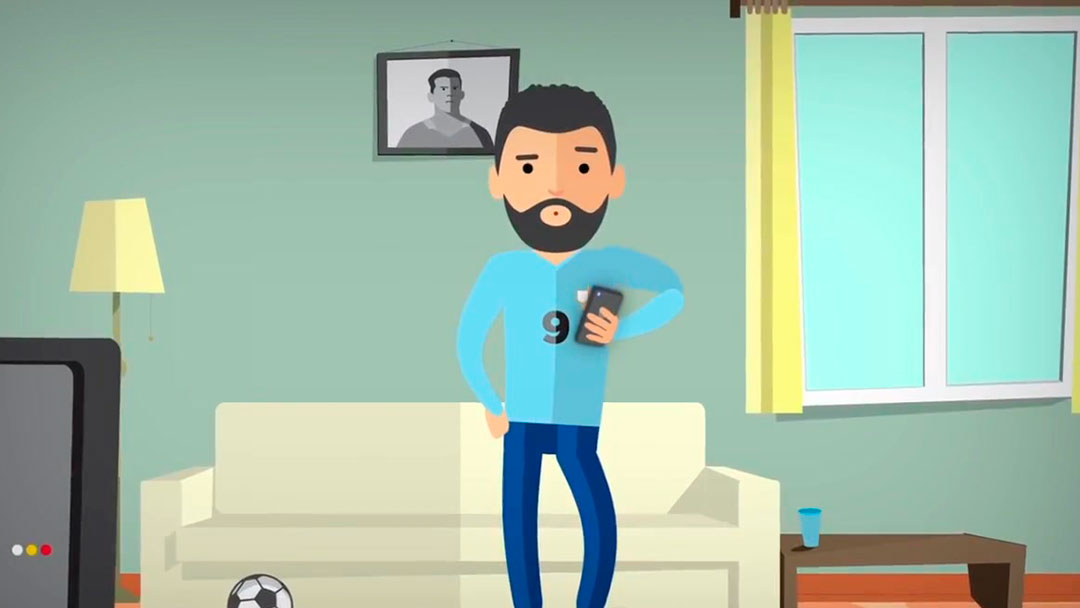
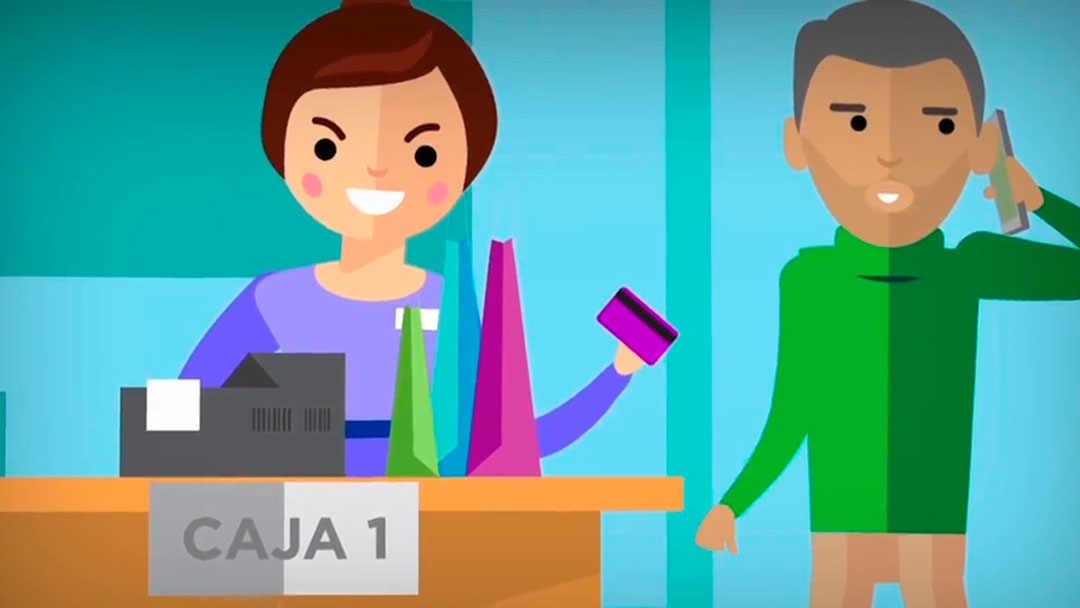
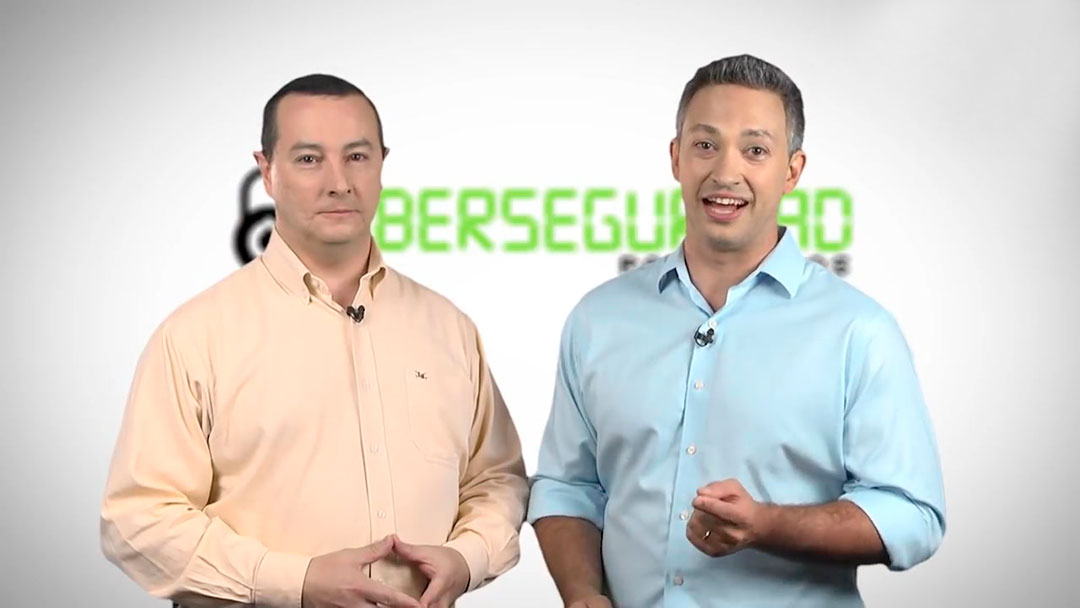
In 2017, ORT’s School of Engineering released a series of educational videos to raise awareness about the dangers faced by Internet users. The project was carried out with support from the Canada Fund for Local Initiatives.
-

Presentation
-
Introduction
-

Traps, Deception, and Fraud
-

The Value of Information
-

How to Protect Your Information - 1
-

How to Protect Your Information - 2
-

Interview with Mr. Ambrosoni - 1
-

How to Protect Your Information
-

Information Security
-

Secure passwords
-

Social media
-

Interview with Mr. Ambrosoni - 2
-

Safe spaces to connect
-

The email
-

Websites
-

Mobile devices
-

Interview with Mr. Ambrosoni - 3
-

Farewell
Recommendations and guidelines
Material provided by the National Computer Security Incident Response Center (CERTuy) of the National Agency for E-Government and the Information and Knowledge Society (Agesic).
-

Cybersecurity Updates
Stay up to date on the latest cybersecurity incident reports published by the National Computer Security Incident Response Center (CERTuy).
Stay up to date on everything happening in Uruguay and around the world in the field of cybersecurity.
You're sure to log in
Since 2013, Agesic, through CERTuy, has been running the "Seguro te conectás" campaign, which aims to raise awareness about cybersecurity issues among the Uruguayan public.